colorburst
Home
Try it
Compare
Screenshots
FAQ
Tiếng Việt
Screenshots
What it actually looks like.
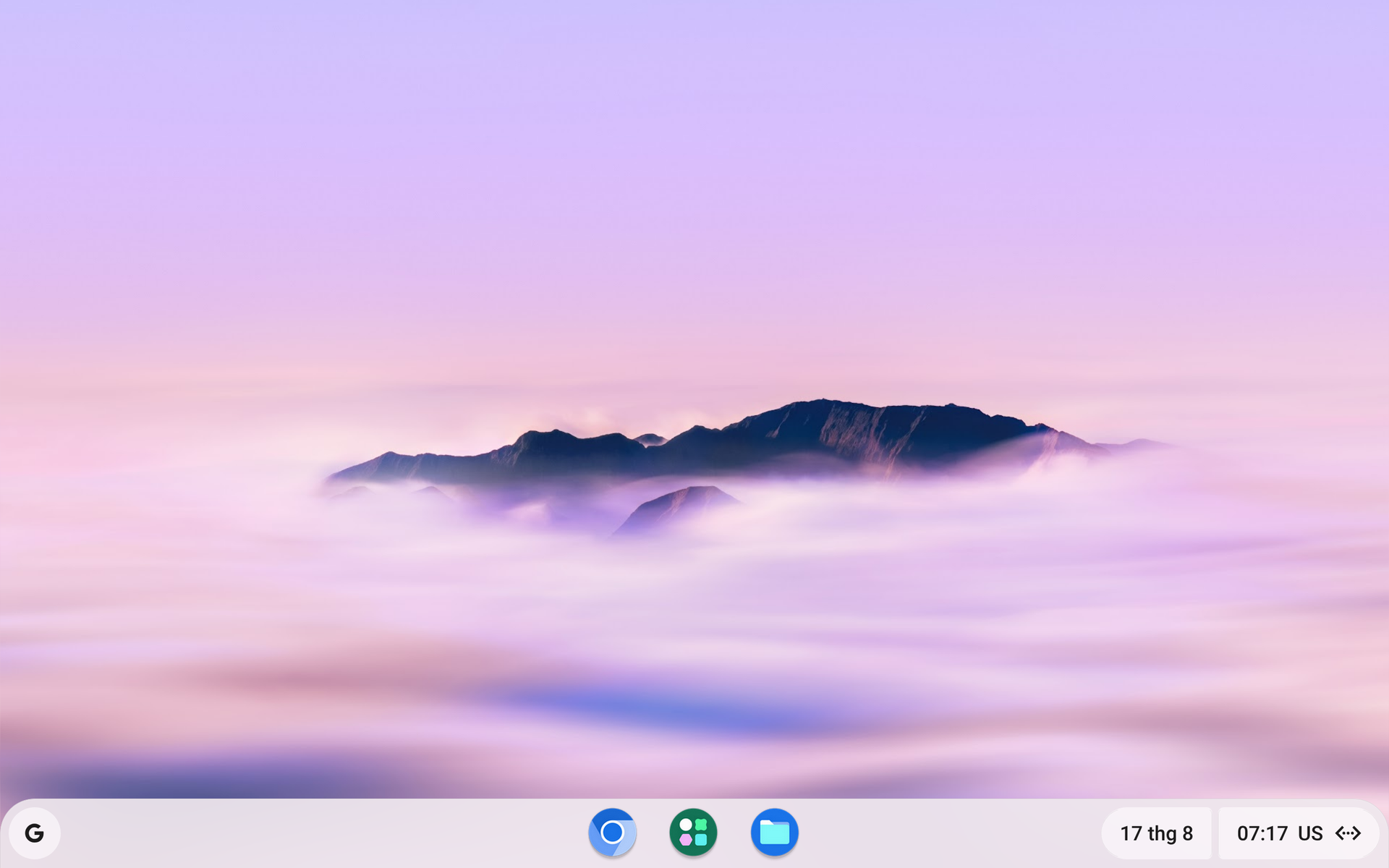
The desktop.
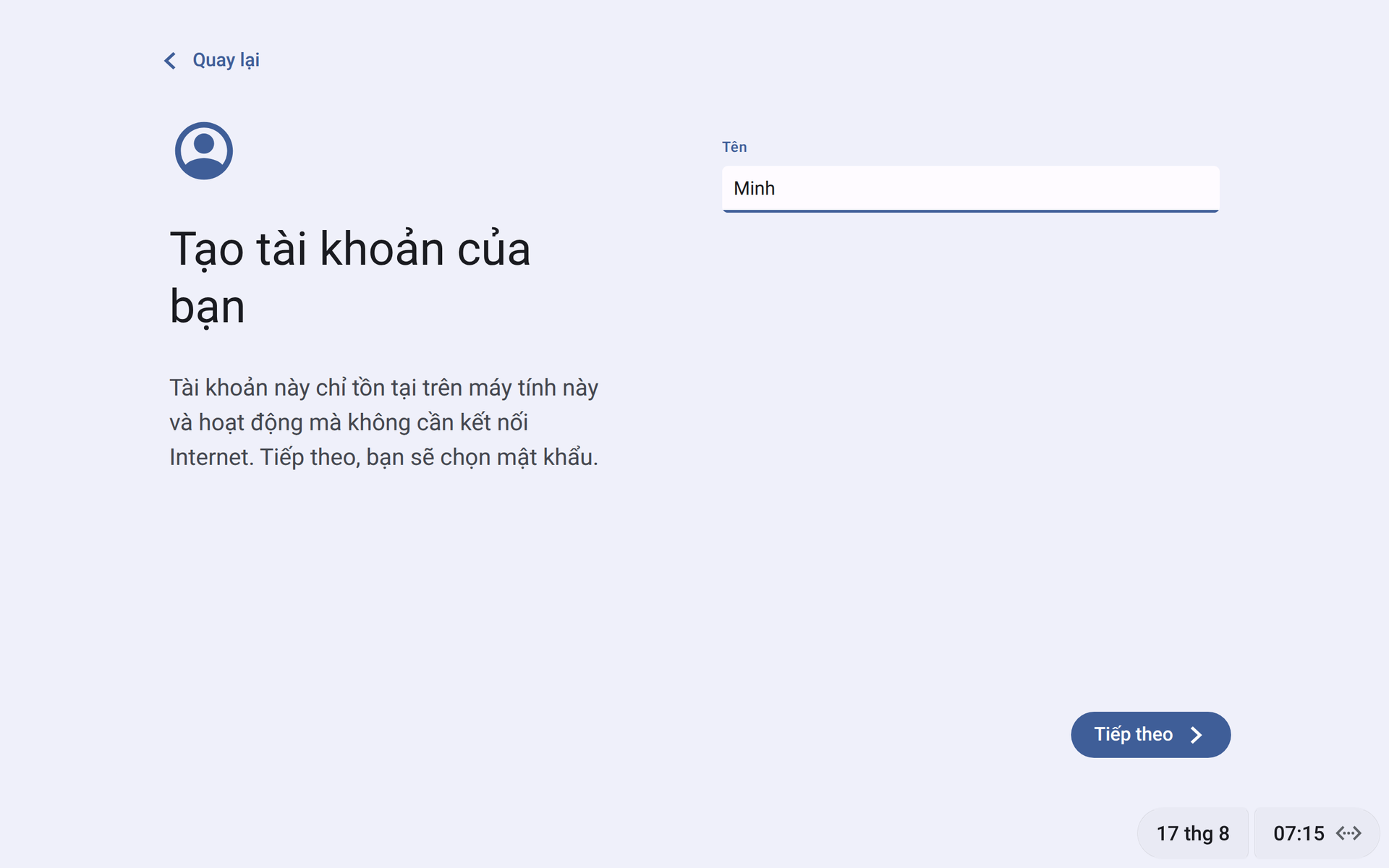
First boot: creating an account that lives on the machine.
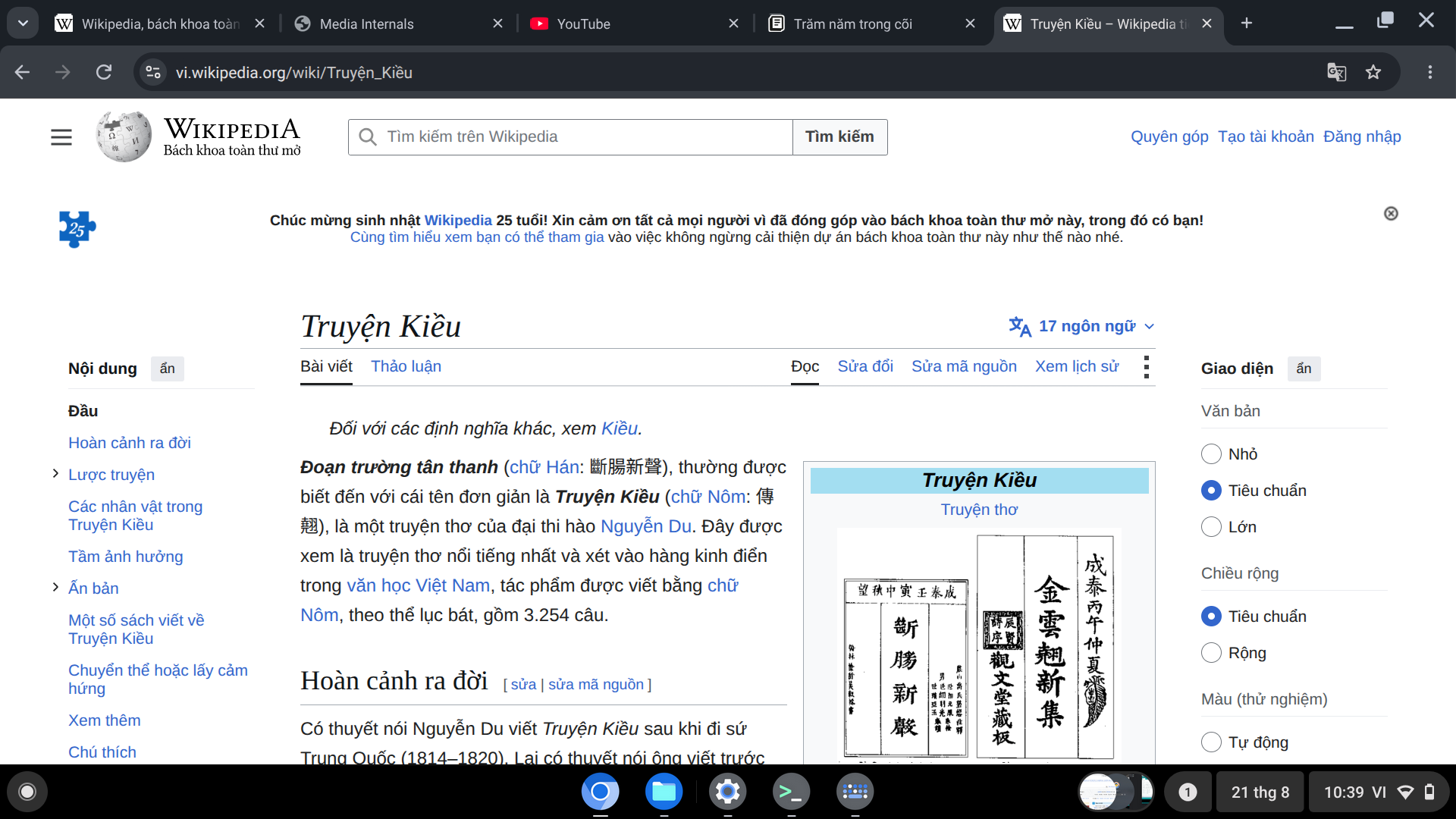
The browser, which is most of the point.
The Linux environment
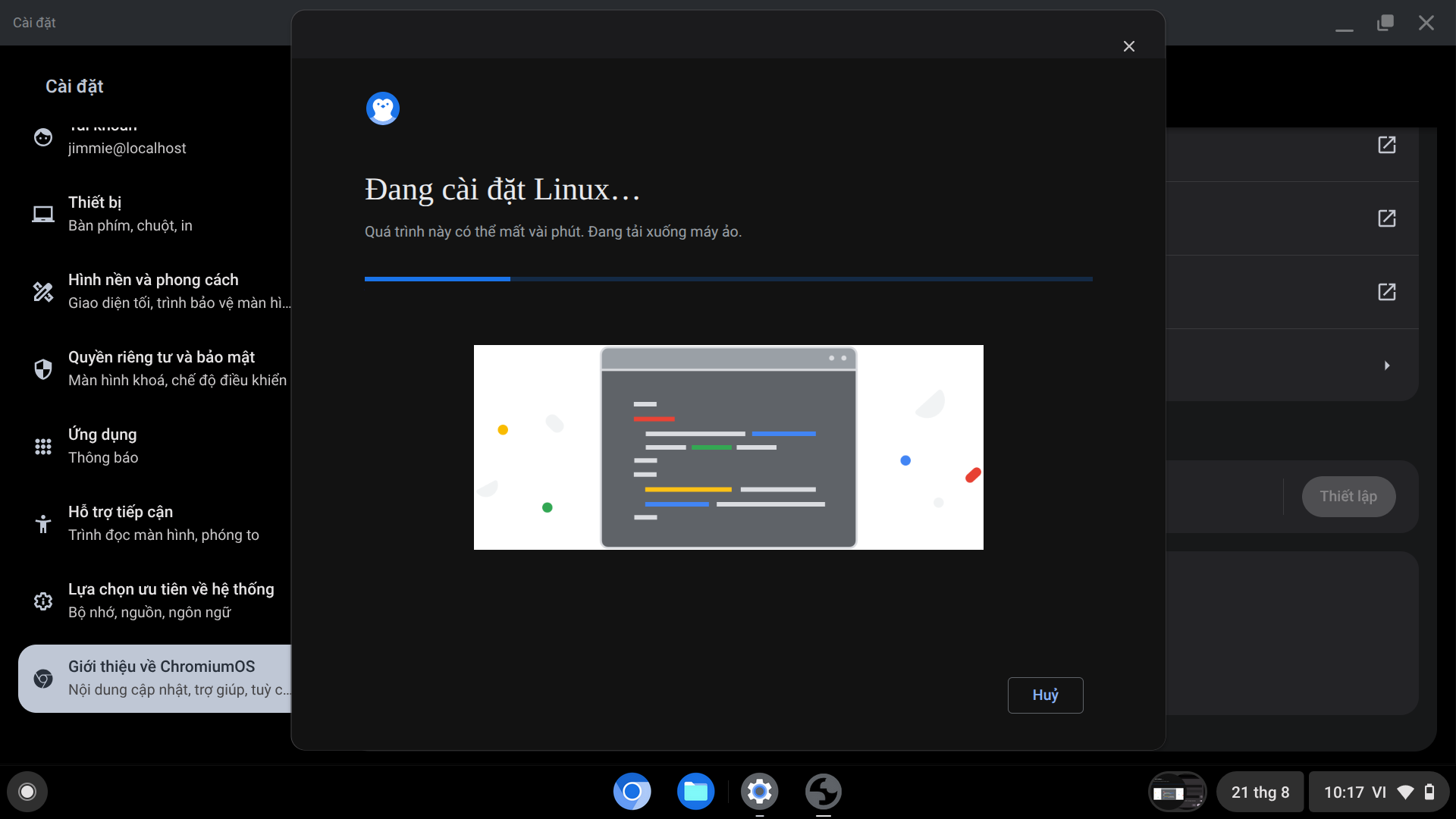
A real Debian container, turned on from Settings when you want it.
Turning it on takes a few minutes.
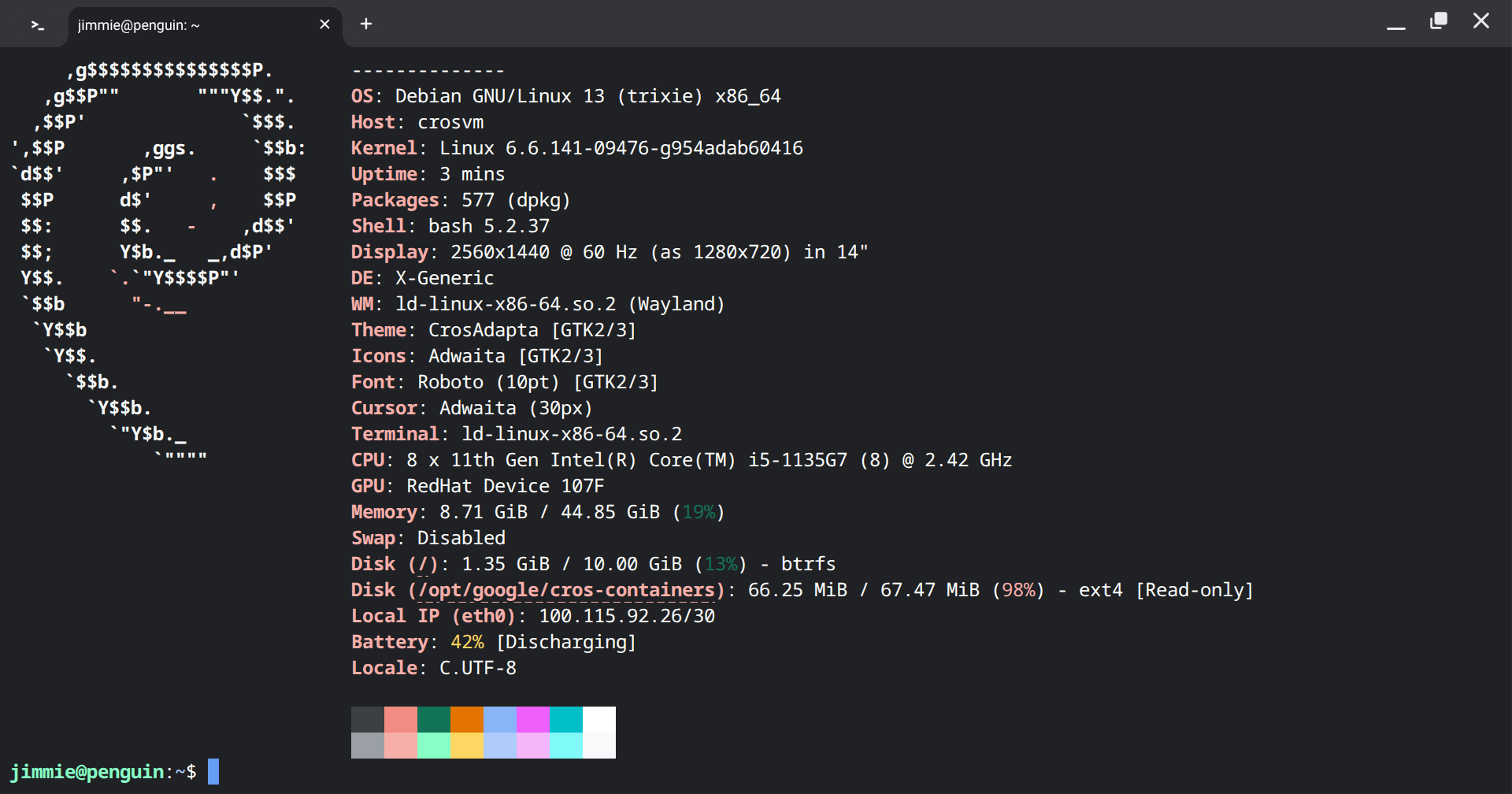
A terminal, with fastfetch.
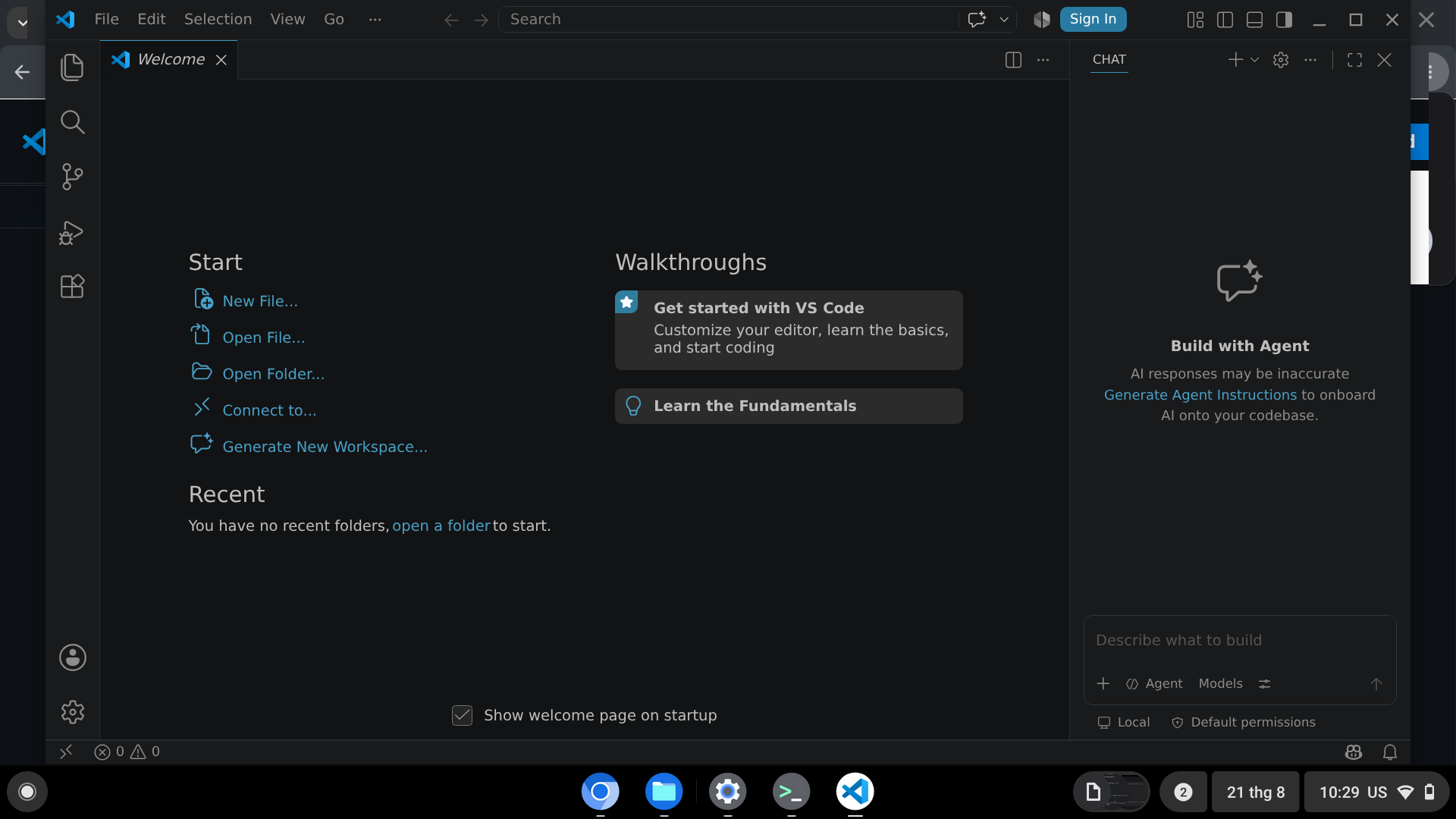
VS Code.
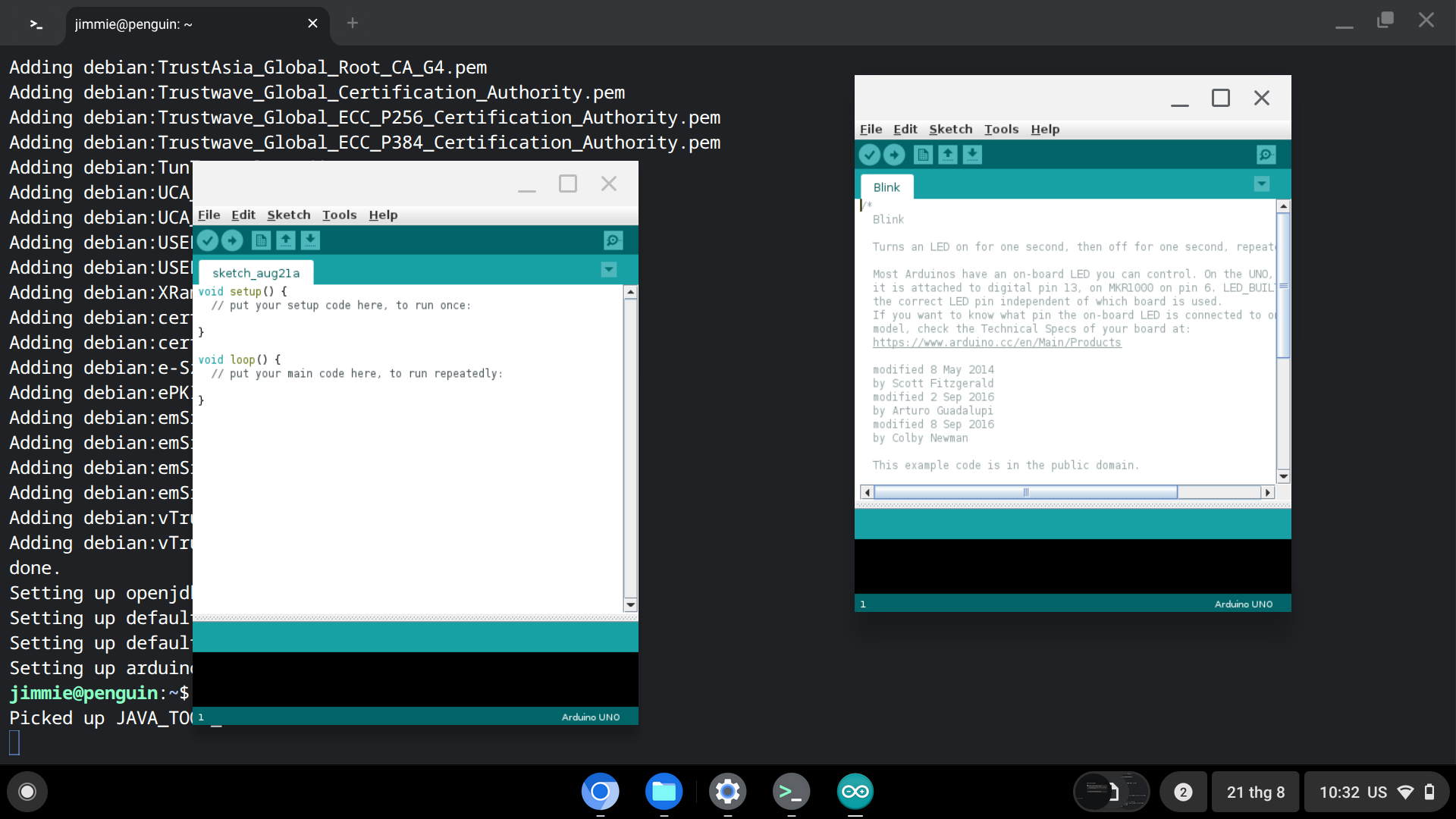
Arduino IDE, installed from the Debian archive.